
Subscribe to our newsletter

  • This field is for validation purposes and should be left unchanged.

So You Launched a Website, Now What?

By | Development |

Building a website is a huge task, which can often take hundreds of hours dedicated to design, content and development. Once the site launches, the difficult task of keeping the site up-to-date begins. While a bulk of the work may be complete, continuing work must be done to ensure the website remains up-to-date with its design, features and technology. Updating…

Read More

Dave’s WordPress Live Search – Autocomplete Made Easy

By | Design |

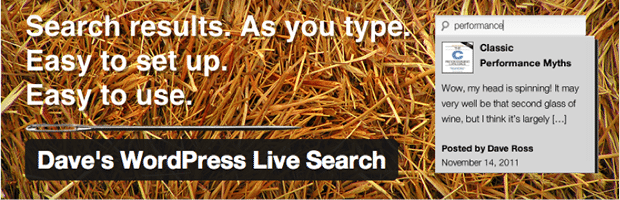
Have you ever typed into a search box and seen result suggestions appear before your very eyes? It’s pretty handy, right? Sites like Google, Amazon, Ebay, and Apple all use this feature within their website.  It’s called “live search” or sometimes “autocomplete.” Today, I’d like to focus on a plugin I recently discovered which adds this functionality to your WordPress…

Read More

Sell Your Product Before You Build It

By | Development |

Have a great idea for a new internet startup? Think you can revolutionize an industry if you made the perfect app? Don’t start with designing and building your application, start with selling it. Why? Here are two scenarios to consider. Scenario 1: Mario has a great idea for a web application that will give plumbers an easy way to track…

Read More

Client Feature: Wolverine Human Services

By | Marketing |

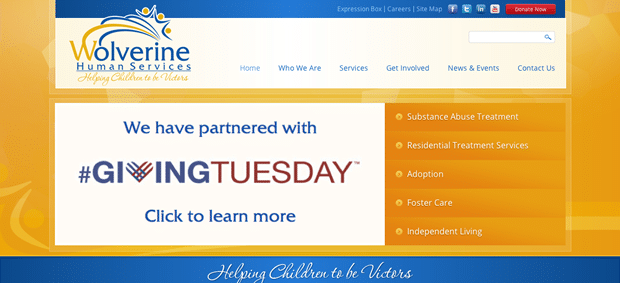
At Web Ascender, we have the pleasure of working with a wide range of organizations, from small startups and local non-profits to Fortune 500 and publicly owned companies. While the reasons we love working with our clients are as diverse as our clients themselves, it is always rewarding to work with clients who make a mission of positively impacting their…

Read More

3 Ways to Integrate Social Media into Your Website

By | Marketing |

Social media can be a great way of keeping consumers informed about events, promotions, and news related to your business or your industry, but in order to take full advantage of the access to these consumers offered by social media, providing seamless transitions across each digital platform that you occupy, including your website, is essential. Integrating social media into your…

Read More

DotNetNuke Host Settings

By | Design |

One of the great benefits of DotNetNuke is the ability to run multiple websites using the same DotNetNuke installation and database.  Each website within your DotNetNuke installation is also referred to as a Portal.  DotNetNuke can easily run hundreds of Portals on a single install. After DotNetNuke is first setup, there will be a default Portal which is usually used…

Read More

DotNetNuke Basics | Display Modes & Panes

By | Design |

Control Panel After logging in as a website Administrator or Super User (Host) you will then see the Control Panel at the top of the page. This control panel allows you to add pages, edit page information, add modules to pages, and perform some site-level actions such as managing Users and Files. Modes There are three modes: View, Edit and…

Read More

DotNetNuke Forms and Lists

By | Design |

The Forms and Lists module is a very versatile module that allows you to collect, save, and display data as you see fit. For example, you can create a list of staff, employee contact information, documents, articles, and many other things. You can control exactly what data is collected, and you can even control how it is displayed if you are willing…

Read More
  • Free Ebook: 5 Common Mistakes to Avoid When Building a Website Download Now ›